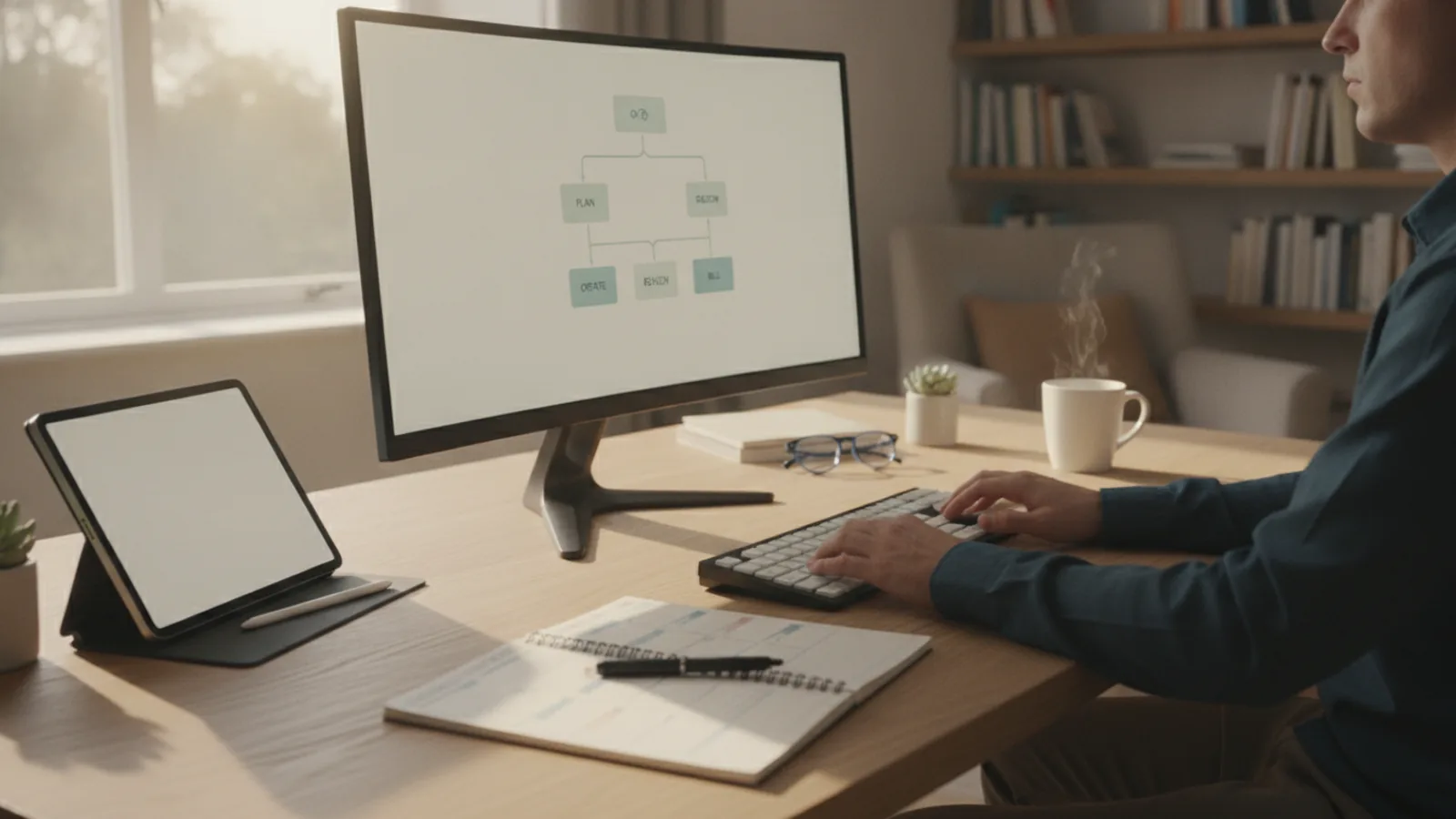
Freelance Creative Work Toolkit
A practical step-by-step guide to freelance creative work toolkit, including preparation, instructions, common issues, tips, and next steps.
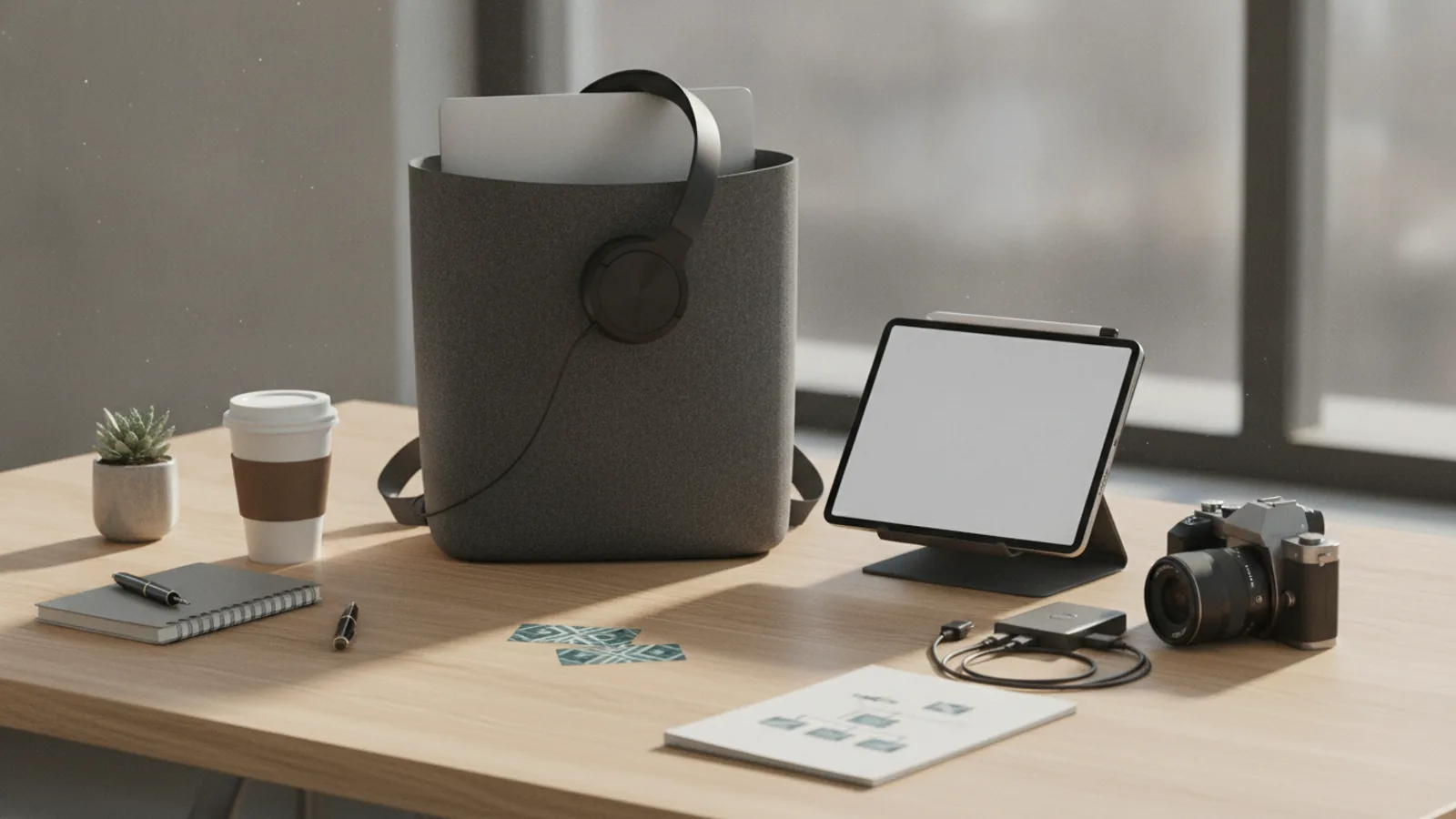
Freelance Creative Work Toolkit
This guide explains how to approach freelance creative work toolkit, including the preparation, practical steps, common mistakes, and final checks that help you finish with confidence.
Before You Start
Step-by-Step Instructions
Quick Reference
Common Problems When You Assemble Your Freelance Creative Work Toolkit
Even with careful planning, freelancers can encounter issues when building and using their toolkit. Recognising these common problems can help you address them quickly.
Overwhelm and Tool Fatigue
There are countless tools available, and the sheer volume of choices can be daunting. Many freelancers sign up for too many free trials or subscribe to multiple services, leading to confusion, wasted time, and unnecessary costs. This "tool fatigue" can make you less productive rather than more.
Fix: Start small. Choose one core tool for each main function (project management, invoicing, communication). Once you're comfortable and proficient with those, then consider adding or integrating others if a clear need arises. Regularly audit your subscriptions and cancel anything you rarely use.
Poor Integration Between Tools
You might have excellent tools, but if they don't talk to each other, you'll spend valuable time manually transferring information. For example, if your time tracking doesn't link to your invoicing, you're creating extra work for yourself.
Fix: When selecting tools, ask about their integration capabilities. Many popular platforms offer direct integrations with others. If not, consider using automation services that act as a bridge between different apps. Plan your toolkit with integration in mind from the start.
Not Backing Up Work Consistently
Despite knowing the risks, many freelancers still neglect regular backups. A hardware failure, cyber-attack, or even a simple mistake can erase hours, days, or weeks of work, leading to client disappointment and financial loss.
Fix: Set up an automated backup system immediately. This means using cloud storage that syncs automatically or scheduling regular backups to an external hard drive. Make it a non-negotiable part of your workflow. Test your backups occasionally to ensure they are working correctly.
Paying for Unused Features or Tools
It's easy to get drawn into the promise of a tool with many features, only to find you only use a fraction of them. Over-investing in complex or expensive software that doesn't fully align with your needs drains your budget unnecessarily.
Fix: Revisit your initial needs assessment. Are you using all the features you're paying for? If not, look for more cost-effective alternatives or lower-tier plans that meet your actual usage. Consider a "minimal viable toolkit" first, and only expand when your business demands it.
Inconsistent Client Communication
Clients expect clear and timely communication. If your toolkit leads to fragmented conversations (some by email, some in a project tool, some by chat), it's easy for details to get lost or for clients to feel neglected.
Fix: Establish a clear communication protocol with each client at the start of a project. Designate a primary channel for formal updates and feedback, and a secondary one for quick questions. Ensure that all key communications are logged or easily traceable within your project management system.
Advanced Tips for Your Freelance Creative Work Toolkit
Once you've mastered the basics of your freelance creative work toolkit, consider these advanced strategies to further optimise your workflow, enhance client experience, and grow your business.
Automate Client Onboarding and Offboarding
Streamline the beginning and end of every client relationship. Use tools to automate sending welcome packets, contract signing, project brief collection, and even initial payment requests. For offboarding, automate feedback requests, final file delivery, and testimonial collection. This creates a professional experience and saves you significant administrative time.
Action: Set up automated sequences in your CRM or project management tool, using templates for emails and documents. Look into e-signature tools for contracts.
Leverage Data and Analytics
Many tools in your freelance creative work toolkit, particularly invoicing, time tracking, and website analytics, collect valuable data. Use this information to understand your business better. Track your most profitable services, identify busy periods, and analyse your website traffic to understand how clients find you.
Action: Regularly review reports from your financial and web analytics tools. Use insights to adjust your pricing, marketing efforts, and service offerings for better results.
Invest in Learning and Development
The digital landscape changes constantly. Dedicate time to learning new features of your existing tools or exploring emerging technologies relevant to your creative field. This could involve online courses, webinars, or simply reading industry blogs.
Action: Schedule regular "learning blocks" into your calendar. Stay current with updates from your primary software providers and explore new AI-powered tools that could enhance your creative process.
Create Standard Operating Procedures (SOPs)
Document your processes for common tasks, such as client onboarding, project initiation, feedback rounds, and invoice submission. SOPs ensure consistency, reduce errors, and make it easier to delegate tasks or train assistants if your business grows.
Action: Write down step-by-step guides for your most frequent workflows and store them in a shared document or your project management system.
Prioritise Client Feedback Loops
Integrate efficient feedback mechanisms directly into your freelance creative work toolkit. Use tools that allow clients to comment directly on designs, documents, or video edits, reducing endless email chains and confusion.
Action: Choose project management or collaboration tools with strong commenting and revision tracking features. Clearly communicate your feedback process to clients at the project's outset.
Freelance Creative Work Toolkit FAQ
What's the absolute minimum freelance creative work toolkit I need to start?
To start, you need a professional email address, a way to create and send invoices, a method for communicating with clients (e.g., video calls), and your core creative software. A simple digital portfolio (even a well-maintained LinkedIn profile) is also essential.
Should I pay for tools or start with free options?
It's often best to start with free or freemium versions of tools. This allows you to test them thoroughly to see if they fit your workflow without financial commitment. As your business grows and your needs become clearer, you can then invest in paid versions or more advanced tools.
How often should I review my freelance creative work toolkit?
Aim to review your toolkit at least once a quarter, or whenever you take on a significantly different type of project or client. This ensures your tools are still serving your needs, you're not paying for unused features, and you're aware of new, more efficient solutions.
What if my clients use different tools than I do?
Flexibility is key. For client communication and collaboration, you may need to adapt to their preferred tools for specific projects. However, for your internal project management and business operations, you should stick to your chosen toolkit. Clearly communicate your systems to clients, and offer simple ways for them to interact with you (e.g., a guest link to a project board).
How important is cybersecurity in my toolkit?
Extremely important. Your freelance creative work toolkit handles sensitive client information and valuable intellectual property. Ensure you use strong, unique passwords for all accounts, enable two-factor authentication (2FA) wherever possible, and keep your operating system and software updated. Invest in reputable antivirus software and a secure backup solution.
Final Checklist for Your Freelance Creative Work Toolkit
Use this checklist to ensure your freelance creative work toolkit is robust, efficient, and ready to support your creative business.
By systematically addressing each point in this guide, you will build a solid and effective freelance creative work toolkit that empowers you to focus on your craft and deliver exceptional results for your clients.