How To Make A Brand Style Guide
A practical step-by-step guide to how to make a brand style guide, including preparation, instructions, common issues, tips, and next steps.
How To Make A Brand Style Guide
This guide explains how to approach how to make a brand style guide, including the preparation, practical steps, common mistakes, and final checks that help you finish with confidence.
Before You Start
Before you dive into creating your brand style guide, it's essential to gather your thoughts and existing assets. This preparation will make the process much smoother and ensure your guide is truly useful.
What You Need
To successfully make a brand style guide, gather these specific items:
Safety, Timing, or Context Checks
Consider these points before beginning to ensure your effort is well-placed and effective:
Step-by-Step Instructions
Quick Reference
Common Problems When You Make A Brand Style Guide
Creating a brand style guide can sometimes present challenges that hinder its effectiveness. Being aware of these common pitfalls can help you avoid them and build a more robust guide.
- Problem: The guide is too vague or incomplete.
- Problem: The guide is too complicated or long.
- Problem: No one actually uses the guide.
- Problem: The guide becomes outdated quickly.
- Problem: Inconsistent application across different platforms.
- Problem: It's created in isolation without team input.
Advanced Tips for How To Make A Brand Style Guide
Once you've mastered the basics of creating a brand style guide, consider these advanced strategies to make it even more powerful and efficient for your operations.
- Implement a Digital Asset Management (DAM) System: For larger teams or growing brands, a DAM system centralises all your brand assets (logos, images, templates) and ensures everyone always accesses the most current versions. This eliminates confusion and reduces time spent searching for files.
- Create an Interactive Online Guide: Instead of a static PDF, consider building your style guide as a dedicated webpage or within a project management tool (like Notion or Figma). This allows for easier navigation, embedded examples, and real-time updates. You can link directly to specific sections and assets.
- Focus on Accessibility Guidelines: Beyond just visual appeal, ensure your brand elements are accessible to all users. This includes checking colour contrast ratios (WCAG guidelines), providing alt-text best practices for images, and ensuring typography is legible for individuals with visual impairments. Integrate these into your guide.
- Develop "Voice and Tone" Scenarios: Go beyond general descriptions. Provide specific examples of how your brand would respond in different scenarios:
- Include Performance Metrics Guidance: Briefly mention how brand consistency can impact key performance indicators (KPIs) like brand recognition, customer trust, and even conversion rates. This helps reinforce the commercial value of the guide.
- Integrate with Design System (UI/UX Focused): If your brand has a significant digital presence, expand your style guide into a full design system. This includes not just visual elements but also functional components, user flows, and interaction patterns, providing a complete blueprint for digital product development.
How To Make A Brand Style Guide FAQ
What is the main purpose of a brand style guide?
Who needs a brand style guide?
How long does it take to create a brand style guide?
Should a brand style guide be digital or print?
What's the difference between brand voice and brand tone?
Do I need special software to create one?
Final Checklist for How To Make A Brand Style Guide
Use this checklist to ensure your brand style guide is complete, effective, and ready for use.
- Brand Core Defined: Mission, vision, values, and personality are clearly articulated.
- Audience Profile: Target audience demographics and psychographics are detailed.
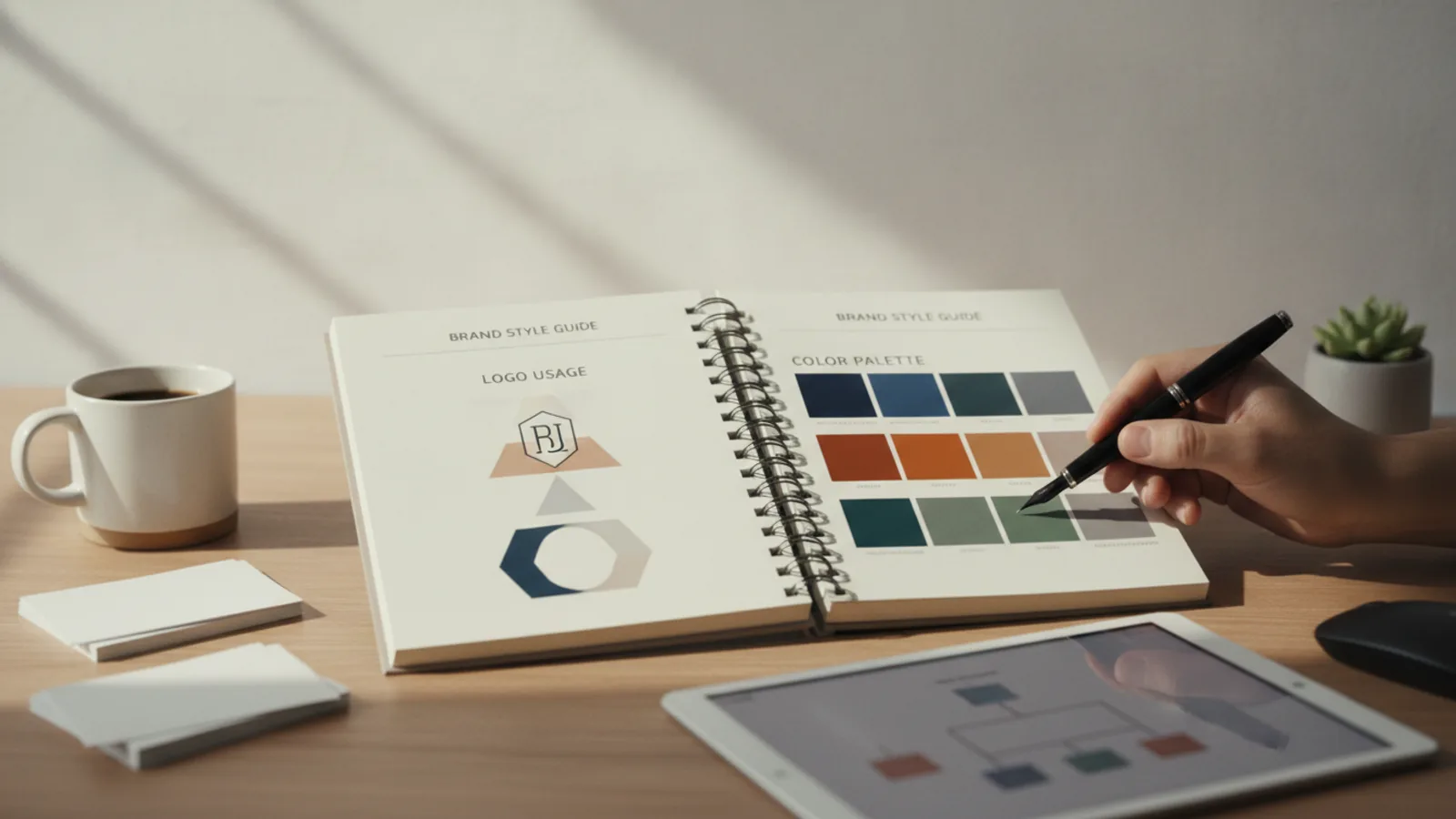
- Logo Guidelines: Primary logo, variations, clear space, minimum size, and incorrect usage examples are included.
- Colour Palette: Primary and secondary colours with Hex, RGB, CMYK (and Pantone if applicable) codes are listed.
- Typography Rules: Primary/secondary fonts, sizes, weights, and usage for headings/body text are specified.
- Brand Voice & Tone: Consistent voice defined, tone variations explained, and words to use/avoid listed.
- Imagery Style: Photography and illustration styles, subject matter, and examples are provided.
- Digital Elements: Button, link, form field styles, and social media graphic guidelines are included.
- Clear Structure: Guide is organised with a table of contents, logical headings, and visuals.
- Accessibility: Basic accessibility considerations (e.g., colour contrast) are addressed.
- Distributed & Accessible: Guide is shared with all relevant parties and stored in an easily accessible location.
- Review Plan: A schedule for regular reviews and updates is established.
- Feedback Mechanism: A way for users to provide feedback on the guide is in place.
- Brand Assets Ready: All necessary logo files, fonts, and templates are organised and linked.